New Batch Starts Soon: Microsoft Dynamics 365 CRM - Technical & Functional | Python |
Microsoft Dynamics Finance & Operations
Functional & Technical | Java | Power-BI | SQL & PL-SQL and More...... New Batch Starts Soon: Microsoft Dynamics 365 CRM - Technical & Functional | Python |
Microsoft Dynamics Finance & Operations
Functional & Technical | Java | Power-BI | SQL & PL-SQL and More......
Power-BI Course Training
Realtime Classroom Training
Project and Task Based
6 to 8 Hrs Every Day
Interview, Jobs & Placement
Support
Communication & Personality
Development
Interview Preparations
Daily Assignments & Coding
Challenges
Doubt-Solving Sessions with
Mentors
Resume Building & Mock
Interviews
Code Reviews & Best Coding
Practices
35000 +
Students Enrolled
4.2★★★★(420)
Ratings
45 days
Duration
Get the syllabus and start your success journey!
🎉 Syllabus Download Started!
About The Course
Power-BI is a business intelligence (BI) platform from Microsoft that
turns data into interactive visuals, reports, and dashboards. It allows users to connect to
various data sources, clean and model the data, and then share insights through shareable
reports and apps. Key features include AI-driven insights, interactive dashboards, and
compatibility with other Microsoft services
Power-BI is a business intelligence platform used to connect to data,
visualize it, and share interactive reports and dashboards to help make informed decisions. It
allows users to clean and transform data, build compelling visuals like charts and maps, and
publish their findings to the Power-BI service for collaboration and sharing. Key uses include
creating performance indicators (KPIs), performing data analysis, and providing real-time
insights
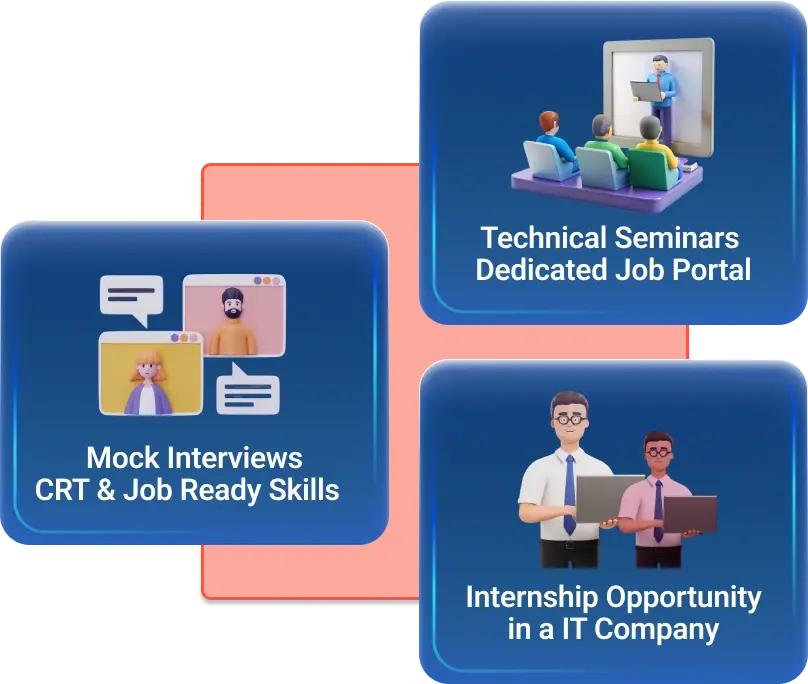
Career Services in a NexGen IT Solutions
Technical Seminars
↓
Mock Interviews
↓
CRT & Job Ready Skills
↓
Dedicated Job Portal
↓
Internship opportunity in a IT Company
Power-BI Engineer
Power-BI Architect
Technology Consultant ReactJs
Systems Engineer
System Administrator
₹ 9 LPA
Avg package
40 %
Avg hike
2000 +
Tech transitions
Annual Salaries (Lakhs)
Demand
87%
Managers said hiring Job Ready Program was top priority
Power-bi Course Syllabus
- Power-BI Introduction
- Data Visualization, Reporting
- Business Intelligence (BI), Traditional BI, Self-Service BI
- Cloud Based BI, On Premise BI
- Power-BI Products
- Power-BI Desktop (Power-BI Query, Power-BI Pivot, Power-BI View)
- Flow of Work in Power-BI Desktop
- Power-BI Service, Power-BI Report Server, Power-BI Mobile
- Power-BI Architecture / Flow of Work
- A Brief History of Power-BI
- Power-BI Desktop & Power-BI Service Overview
- Power-BI Desktop Software Installation
- Power-BI Query Software Overview
- Power-BI Pivot Software Overview
- Power-BI View Software Overview
- Power-BI Service Overview
- Power-BI Desktop User Interface
- Building Blocks of Power-BI
- Introduction to Power-BI Query & Editor UI
- Data Processing, Data Types, Filters
- Inbuilt Column Transformations
- Inbuilt Row Transformations
- Combine Queries (Merge & Append)
- Merge Queries / Join Tables
- Append Queries / Union All Tables
- Query Options
- Home Tab Options
- Transform Tab Options
- Add Column Tab Options
- View Tab, Tools Tab & Help Tab Options
- Power-BI Pivot Overview
- Data Modeling – Model View
- Enhancing the Data Model using DAX
- DAX Functions – Categories
- DAX Text Functions
- DAX Logical Functions
- DAX Date & Time Functions
- DAX Filter Functions
- DAX Math & Statistical Functions
- DAX Time Intelligence Functions
- Quick Measures
- Report View / Power-BI View
- Visual Interactions
- Filters in Power-BI View
- Hierarchies & Drill-Down Reports
- Power-BI Visualizations
- Visuals for Filtering
- Visualizing Categorical Data
- Visualizing Trend Data
- Visualizing KPI Data
- Visualizing Tabular Data
- Visualizing Geographical Data
- Grouping, Binning & Sorting
- Tooltip Page
- Bookmarks, Selection Pane & Buttons
- Power-BI Service Introduction
- Adding Datasets & Creating New Reports
- Dashboards Development
- Building Blocks of Power-BI
- Data Connectivity Modes
- Installing & Configuring Data Gateways
- Understanding Sub-Folders in Workspaces
- Dataflows
- Dataset Actions
- Excel Workbooks
- Report Actions
- Dashboard Actions
- Team Collaboration using Workspaces
- Sharing Power-BI Content (Basic Sharing, Content Packs, Apps)
- Row Level Security (RLS)
- Syncing Reports using OneDrive
- Deployment Pipelines